Voxel Wars Scripts
Keyless hubs, command menus, feature breakdowns, and risk notes for the destructible 15v15 shooter.
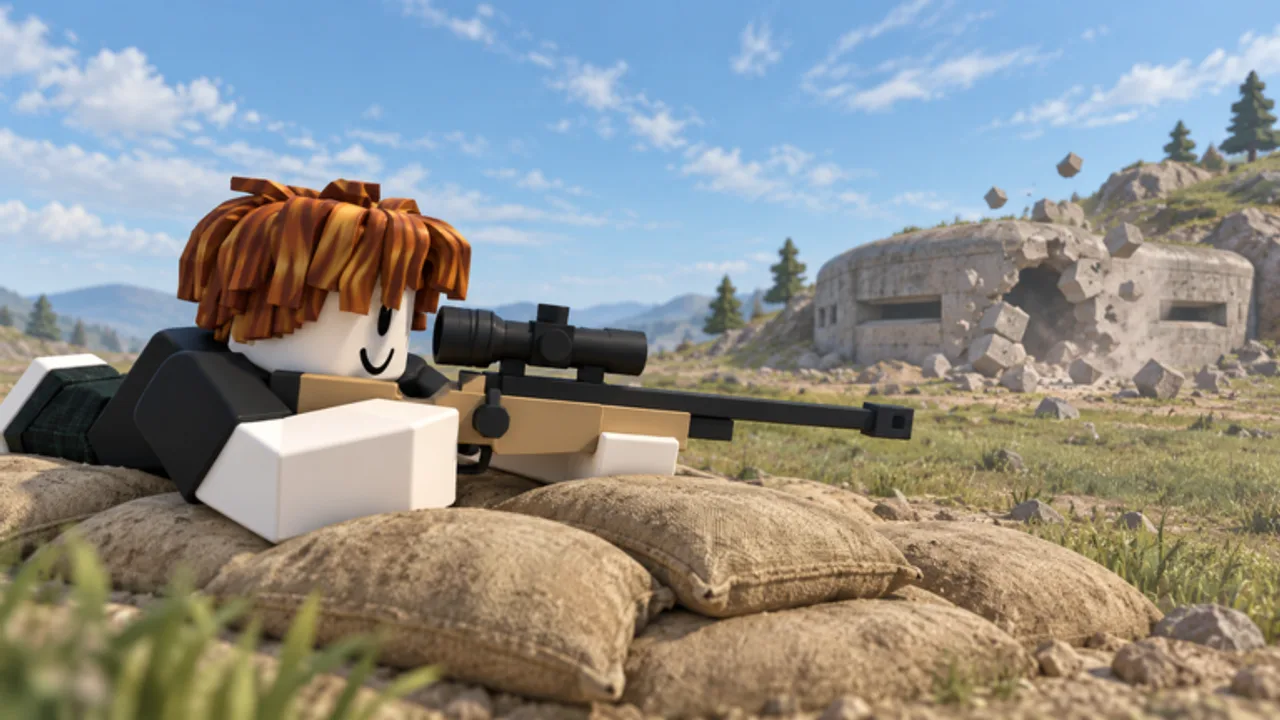
Players searching for Voxel Wars scripts usually want aim assist, ESP, trigger bot, FPS boosters, or a floating command GUI that makes 15v15 fights easier to research. This hub summarizes the loaders circulating for the Voxel Front experience, explains what each feature does in a destructible shooter, and links to child pages for the most-requested tools.
Using third-party executors violates Roblox Terms of Service and can get accounts banned. Treat every script as high risk, prefer alt accounts, and never paste loaders from random Discord DMs. This wiki documents what exists so you can research features — it does not encourage breaking the rules on a main account.
Scripts tracked for Voxel Wars
| Script | Focus | Key system | Notes |
|---|---|---|---|
| Zynex Hub | Silent aim, camera aim, trigger bot, ESP, FPS tools | Keyless | Primary Voxel Wars hub; v1.1 still the main shooter menu documented here |
| Auto Aim | Auto aim, ESP, no recoil | Varies | Secondary mid-November 2026 listing; early notes fail on some executors |
| Command Menu | Infinite Yield-style admin command GUI | Keyless | Generic utility — not a Voxel-specific aim kit |
Open the Zynex Hub guide for the full feature list, loader string, and showcase video. Open Auto Aim for the newer secondary listing. Open Command Menu when you specifically need Infinite Yield-style admin commands and ban warnings. Secondary script showcases also appear in community videos after the mid-November population spike; we document verified embeds on child pages without turning this hub into a marketplace directory.
What script features mean in Voxel Wars
Voxel Wars is a destructible FPS with tanks, helicopters, jeeps, turrets, and killstreaks. Script menus usually map to these needs:
- Silent aim / camera aim — helps track enemies through dust, broken walls, and vehicle chaos
- Trigger bot — fires when your crosshair overlaps a valid target, useful at close range inside bunkers
- ESP — outlines players and sometimes bots with name, distance, and health so you spot pushes early
- No recoil / no spread — stabilizes automatic fire while you clear rooms or spray a Point Control zone
- FPS boosters — grass off, potato mode, and crate toggles help low-end PCs survive 30-player servers
- Anti-AFK — prevents the Roblox idle kick during long queues or between rounds
- Command menus — generic admin-style GUIs for utilities; see Command Menu for how they differ from shooter hubs
None of these replace game sense. You still need to know Spawn Siege versus Point Control, when to board a vehicle, how to place turrets with the build hammer, and how to vote maps that fit your loadout.
How players typically run a loader
- Install a compatible executor (community reports change often — check current notes before trusting any brand).
- Launch Roblox and join Voxel Wars.
- Attach the executor to the client.
- Paste the loadstring from a trusted wiki child page such as Zynex Hub, Auto Aim, or Command Menu.
- Execute once, wait for the GUI, then configure FOV, team check, and wall check before enabling combat modules.
If ESP or aim modules fail after a Voxel Front update, wait for the script author to push a new loader. Force-running an outdated string usually does nothing useful and can crash the client. The 2026-11-13 update window and the climb past ~5.0M visits made broken loaders especially common for a few days.
Safer research habits
- Prefer keyless loaders that do not send you through shady key sites
- Read feature lists before enabling silent aim in ranked-feeling public lobbies
- Disable team check mistakes that could highlight allies
- Pair script research with legitimate improvement: weapons tier list, Leveling and Scrap, controls, and Getting Started
- Watch the showcase video on each child page before you paste anything
- Keep command-menu experiments separate from shooter-hub configs so you know which GUI caused a crash
Scripts versus skill progression
Many players open the Scripts Hub after losing to vehicles or gunships. Fair alternatives that still raise your win rate:
- Unlock better guns with Scrap and level progress covered in Getting Started and Leveling and Scrap
- Learn killstreak timing on the killstreaks guide
- Pick roles from the Players / loadouts hub so your squad covers building and vehicles
- Vote layouts that match your kit on Map Voting
- Track balance changes on the Updates Hub after each patch
Related links
- Deep dive: Zynex Hub for Voxel Wars (v1.1 primary)
- Secondary: Auto Aim script
- Utility dive: Command Menu scripts
- Gun rankings: Weapons tier list
- Vehicle rankings: Vehicles tier list
- Official play link and community bookmarks: Links Hub
This Scripts Hub stays focused on Voxel Wars only. Universal hubs that claim to support every shooter are listed only when they advertise Voxel Wars-specific modules and a working loader for place ID 78884249003161. Zynex Hub v1.1 remains the primary recommendation for combat research; command menus remain secondary documentation for players who specifically search Infinite Yield-style tools.
Frequently Asked Questions
Quick answers to the most common questions.
What is the most popular Voxel Wars script right now?
Zynex Hub v1.1 is still the primary keyless shooter option documented here, with silent aim, trigger bot, ESP, and FPS boosters. See the dedicated Zynex Hub page for the loader.
What is the Auto Aim page for?
It documents a newer mid-November 2026 aim assist listing with ESP and no recoil notes. Treat it as secondary to Zynex Hub and expect executor compatibility issues.
What is the Command Menu page for?
It covers Infinite Yield-style admin command GUIs and related showcases. Those tools are generic utilities, not Voxel Wars-specific aim modules.
Do Voxel Wars scripts work on mobile?
Many hubs list mobile as untested. PC executors are where most Voxel Wars scripts are verified.
Can I get banned for using scripts?
Yes. Scripts break Roblox rules. Use at your own risk and keep valuable items off any account that runs executors.
Where should I go if I want to improve without scripts?
Start with Getting Started, Leveling and Scrap, the weapons tier list, game modes, Map Voting, and controls guides on this wiki.