Voxel Wars Controls
Input basics for PC, phones, tablets, and controllers in the 15v15 voxel shooter.
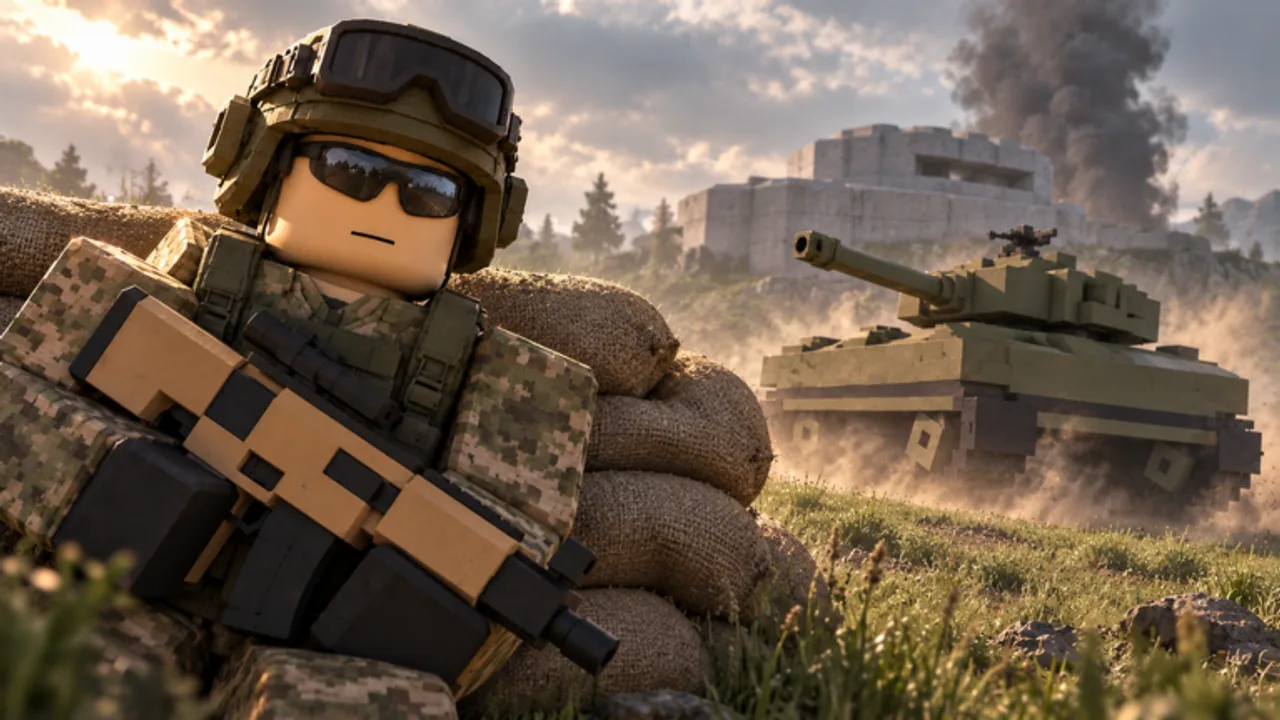
Voxel Wars supports PC, phones, tablets, and controllers. Clean inputs matter more than usual because you constantly swap between rifles, hammers, and vehicles while the map collapses. This controls guide covers practical setup tips and combat habits that transfer across devices.
After you set binds, continue with Getting Started and game modes.
Universal actions you must find in the menu
Exact key labels can differ by platform and patch, but every player needs quick access to:
- Move, jump, sprint, crouch / slide if available
- Fire, aim down sights, reload
- Swap weapons / equipment
- Board and exit vehicles
- Equip the build hammer, place turrets, place steel cover
- Scoreboard and settings
Open settings on your first launch and note where vehicle interact and hammer live. Those two binds separate good players from players who die while searching the emote wheel.
PC tips
- Lower horizontal sensitivity until you can track a jeep without overflicking
- Keep hammer on a reachable key — builders lose fights when swap time is slow
- Use toggle versus hold ADS based on what your hand prefers for long Point Control holds
- Bind scoreboard somewhere comfortable so you can check which vehicles are still alive
Mouse players should practice shooting walls while strafing. Destruction shots often happen mid-move.
Mobile tips
- Enable a comfortable fire button layout before your first ranked-feeling lobby
- Increase FOV carefully — too high makes long-range tanks hard to track
- Use gyro only if you already aim well with it in other Roblox shooters
- Consider lower graphics if heat throttling hits during 30-player chaos
Mobile players often excel in close Point Control fights and struggle most with helicopter tracking. Play to that strength while you learn.
Controller tips
- Raise deadzone just enough to stop drift, not so high that micro-adjustments die
- Use aim assist as a helper, not a crutch — still pre-aim common lanes
- Map vehicle exit to a button you will not press mid-spray by accident
- Practice hammer placement in a quiet moment after spawn
Combat input habits
- Pre-aim corners created by new holes in walls
- Reload behind steel cover you built, not in the open
- Exit vehicles with the camera already facing the threat (vehicles)
- Swap to hammer only when a teammate watches your lane (build and defend)
- After a killstreak call-in, keep moving — standing still under your own air support is a classic mistake (killstreaks)
Settings checklist before serious matches
- Sensitivity tuned on a moving jeep bot or real enemy
- Graphics stable above your personal minimum FPS
- Audio loud enough to hear vehicles and air support
- UI scale readable so Codes or shop buttons are not mis-taps (codes)
Device-specific learning path
- PC: master mid-range rifles and tank escorts
- Mobile: master SMG hill fights and jeep drops
- Controller: master stable ADS holds and builder support
Role ideas for each style sit on the Players hub. Gun picks live on the weapons tier list.
Related pages
- Guides Hub
- Vehicles tier list
- Updates Hub if a patch remaps default binds
- Links Hub
Spend five minutes in settings before blaming the meta. Most “aim issue” complaints on day one are sensitivity and hammer-swap problems.
Quick troubleshooting
- Cannot board vehicles: look for the interact prompt while standing closer to the chassis; some seats only open from specific sides
- Hammer will not place: make sure you are not aiming at an invalid surface or standing inside another prop
- Mobile fire button misfires: lower UI scale slightly and rebuild the custom layout after a patch
- Controller drift: raise deadzone one notch, then retest tracking on a jeep
If controls still feel wrong after a Voxel Front update, check the Updates Hub for remapped defaults and return here to retune.
Frequently Asked Questions
Quick answers to the most common questions.
Does Voxel Wars support mobile and controllers?
Yes. Voxel Front lists PC, phones, tablets, and controllers as supported.
What binds matter most for beginners?
Vehicle enter/exit and build hammer swap. Everything else builds on those two.
Why does my aim feel inconsistent?
Destructible maps create new angles constantly. Lower sensitivity slightly and pre-aim fresh holes in walls.
Where should I go after fixing controls?
Read Getting Started and Game modes, then pick guns from the weapons tier list.